

BigBallsLarry

𝕸𝖊𝖗𝖈𝖊𝖓𝖆𝖗𝖞 𝕮𝖔𝖗𝖕 🇵🇱 | 𝟐𝟎𝟐𝟓 🥇
- Joined
- Jun 8, 2025
- Posts
- 20,562
- Reputation
- 79,187
Hey guys, i'm making this thread because my DM boxes get absolutely oblirerated with spam of people wanting me to help them code usernames
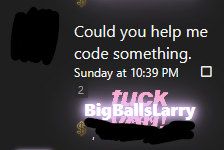
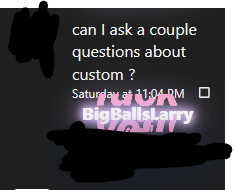
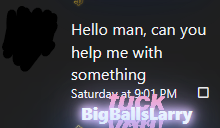
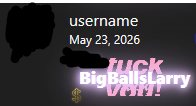
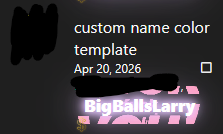
It's actually insane how many DMS of this i get when it's so simple, practically 80% of custom usernames you see around the forum are made by me
so from now on instead of wasting hours of my time helping these guys i'll just link this thread so you can do it yourself
Alright so you bought a custom forum username for 300 dollars (lol)
 but have no idea how to operate CSS code? THIS IS how you get started!
1. Install stylus browser extension
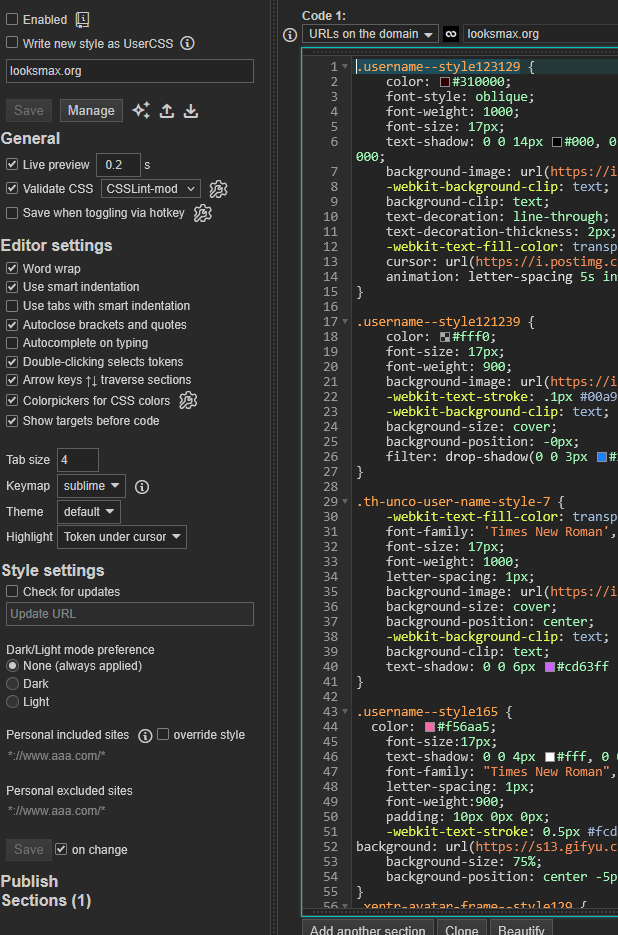
Stylus is a simple extension that will allow you to test out username style codes as if they were already in the site.
Setting it up is very EASY
- Install stylus
- Write a style for looksmax.org

- Copy your username style code via inspect element
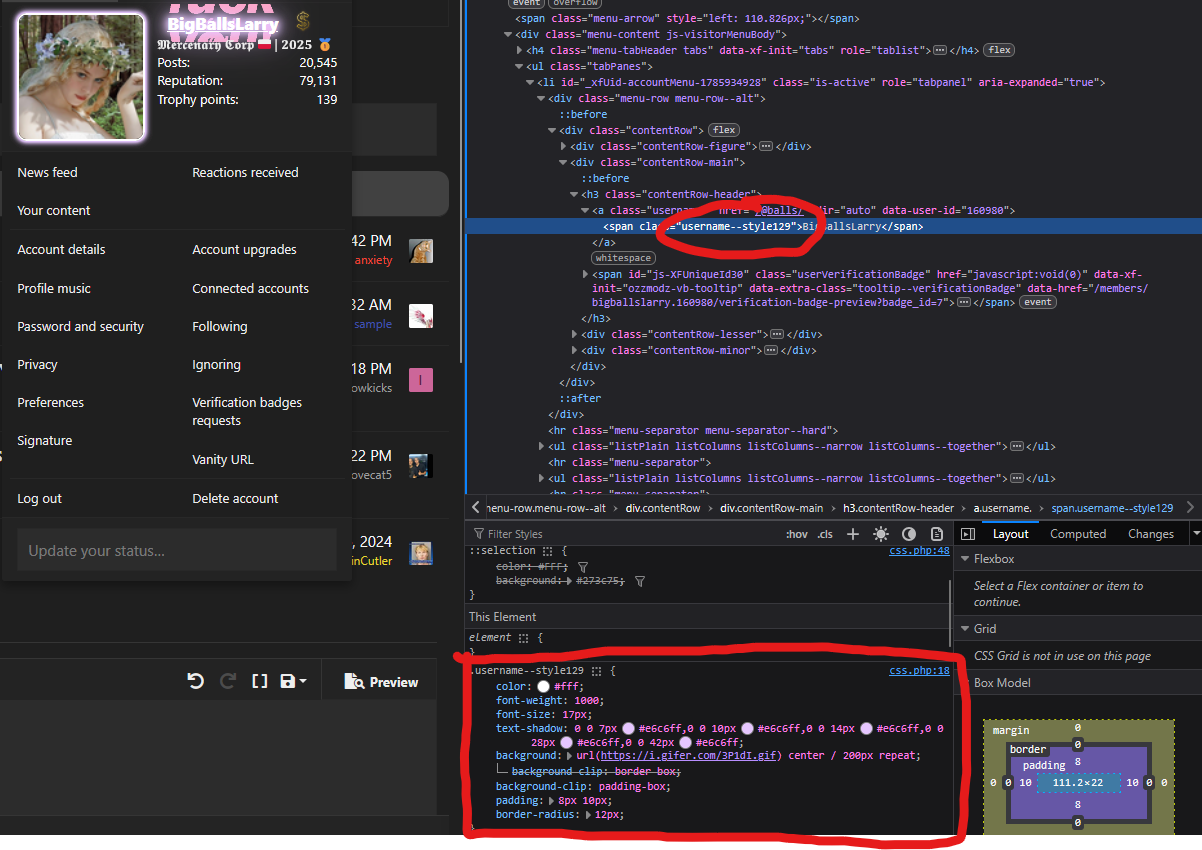
- Paste it into stylus in this format:
- add in whatever u want, and enable
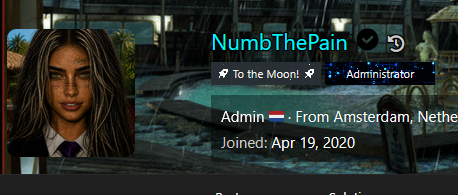
As an example i'll be using @NumbThePain's username
Here is numbs username but blue:
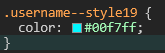
Here it is if we added 10px blur drop shadow:
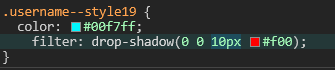
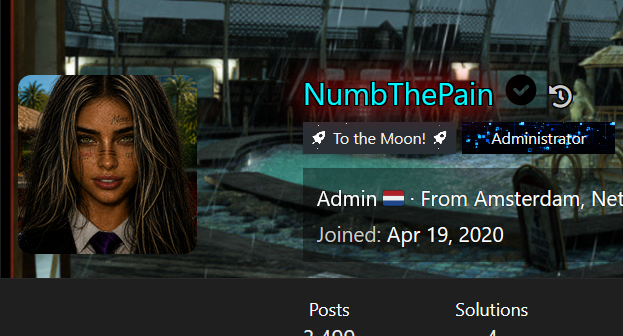
I'm sure you get the gist by now
1.5 inspect element is a cheat code
if you see any username you like, just right click it, inspect element it, and you'll see EXACTLY how it's made
For example, let's say i'm a cocksucking copycat and i want to copy @NorwoodAscender username
I inspect element it, and BOOM, it's right there!
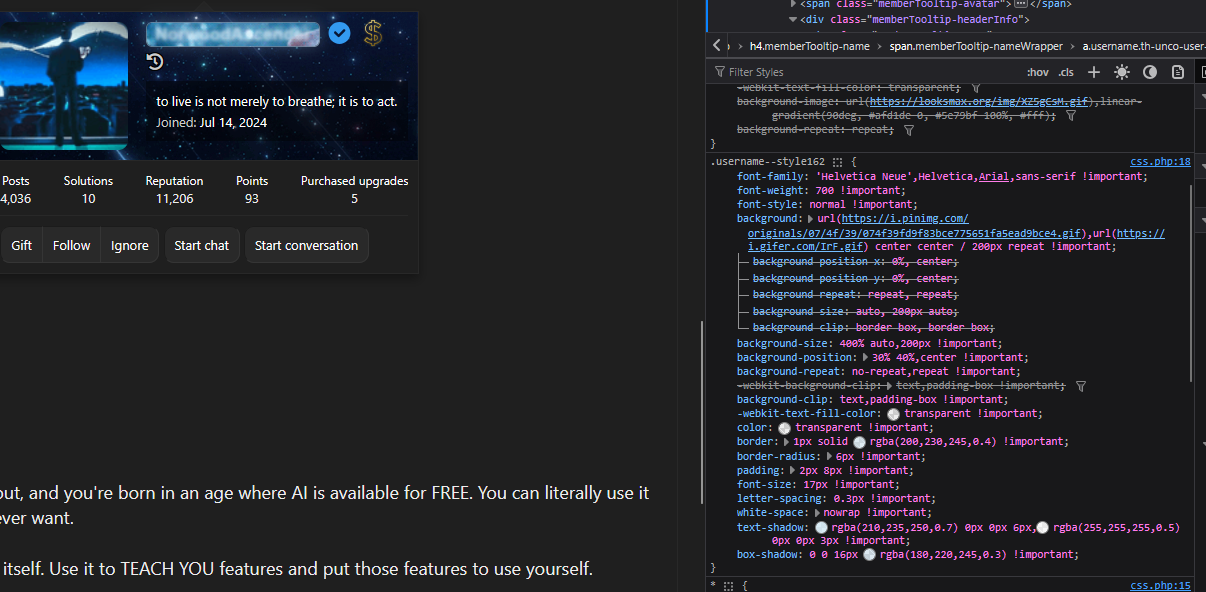
wow! life has never been easier
2. B-b-but i don't know how to code!!!
nigga, it's 2026, use AI you fucking dumbass.
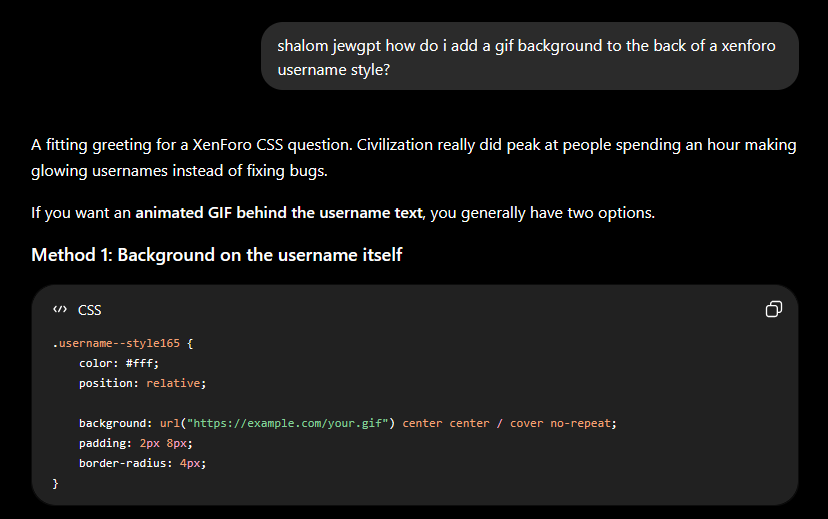
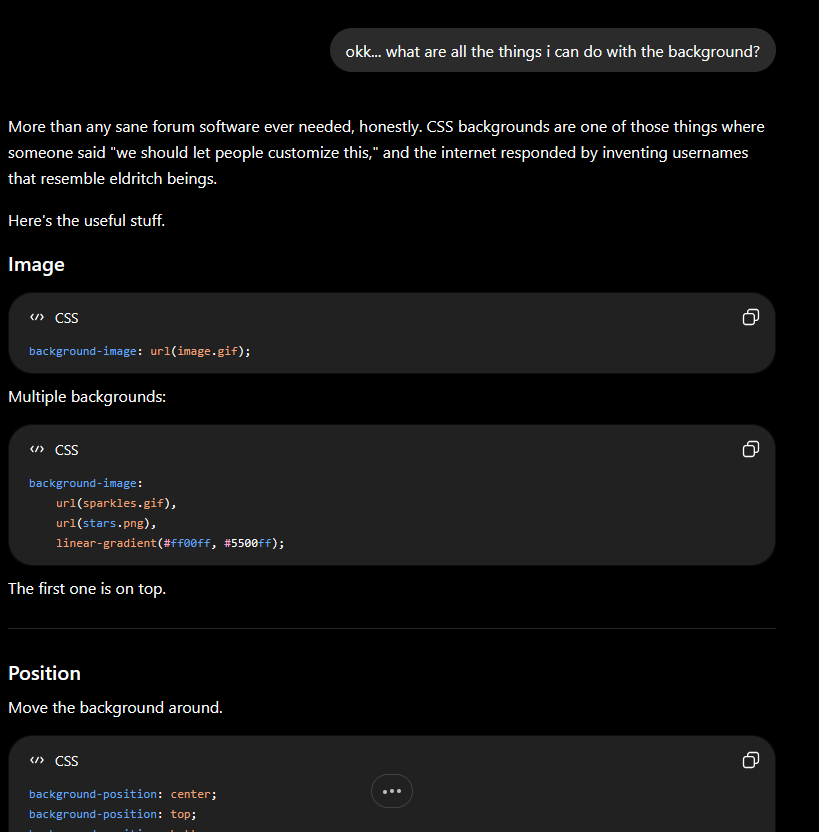
CSS is so insanely simple that a monkey can figure it out, and you're born in an age where AI is available for FREE. You can literally use it to your advantage to make any username you could ever want.
The rule is, don't let AI make your entire username by itself. Use it to TEACH YOU features and put those features to use yourself.
3. some rules
Because of limitations to how the 'adding usernames' plugin works, some features are limited, for example:
- adding your own keyframes
- using ::before, ::after, or any other elements that go outside of your .username--style element.
- "zoom" feature, messes with the sites UI too much
- "transform:" doesn't work
i hope no one dms me again after this incel loser thread
It's actually insane how many DMS of this i get when it's so simple, practically 80% of custom usernames you see around the forum are made by me
so from now on instead of wasting hours of my time helping these guys i'll just link this thread so you can do it yourself
Alright so you bought a custom forum username for 300 dollars (lol)
1. Install stylus browser extension
Stylus is a simple extension that will allow you to test out username style codes as if they were already in the site.
Setting it up is very EASY
- Install stylus
- Write a style for looksmax.org
- Copy your username style code via inspect element
- Paste it into stylus in this format:
CSS:
.username--styleX {


}
- add in whatever u want, and enable
As an example i'll be using @NumbThePain's username
Here is numbs username but blue:
Here it is if we added 10px blur drop shadow:
I'm sure you get the gist by now
1.5 inspect element is a cheat code
if you see any username you like, just right click it, inspect element it, and you'll see EXACTLY how it's made
For example, let's say i'm a cocksucking copycat and i want to copy @NorwoodAscender username
I inspect element it, and BOOM, it's right there!
wow! life has never been easier
2. B-b-but i don't know how to code!!!
nigga, it's 2026, use AI you fucking dumbass.
CSS is so insanely simple that a monkey can figure it out, and you're born in an age where AI is available for FREE. You can literally use it to your advantage to make any username you could ever want.
The rule is, don't let AI make your entire username by itself. Use it to TEACH YOU features and put those features to use yourself.
Some important features you'll most likely want to add to your username:
font-size:
controls the size of your username
font-size:
controls the size of your username
font-weight:
controls the boldness of your username
letter-spacing:
controlls the spacing between the letters in your username
color:
base color of your username
text-shadow: X Y blur color
adds a shadow to your text and controls the X Y and blur colors with px and color with hex
filter: drop-shadow()
same thing as text shadow but for the entire username and not just text
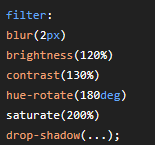
filter can also do many more things

background: url()
adds gif to background from url
font-family:
changes font of your username
-webkit-text-stroke:
adds text stroke
animation:
adds an existing keyframe to the username (for example godlyanim)
cursor: url()
changes your cursor to a custom png on hover
background-size:, background-position:, background-clip:
transforms your background
padding:
increases your usernames padding, good for big backgrounds
controls the boldness of your username
letter-spacing:
controlls the spacing between the letters in your username
color:
base color of your username
text-shadow: X Y blur color
adds a shadow to your text and controls the X Y and blur colors with px and color with hex
filter: drop-shadow()
same thing as text shadow but for the entire username and not just text
filter can also do many more things
background: url()
adds gif to background from url
font-family:
changes font of your username
-webkit-text-stroke:
adds text stroke
animation:
adds an existing keyframe to the username (for example godlyanim)
cursor: url()
changes your cursor to a custom png on hover
background-size:, background-position:, background-clip:
transforms your background
padding:
increases your usernames padding, good for big backgrounds
3. some rules
Because of limitations to how the 'adding usernames' plugin works, some features are limited, for example:
- adding your own keyframes
- using ::before, ::after, or any other elements that go outside of your .username--style element.
- "zoom" feature, messes with the sites UI too much
- "transform:" doesn't work
i hope no one dms me again after this incel loser thread
Last edited: