




MansNotHot
Kratos cucks everyone, including you
- Joined
- Aug 17, 2020
- Posts
- 4,418
- Reputation
- 5,341
This guide is for people that don't know how to make gifs.
1-You need your normal pic and your morphed one
2-Crop them with any editing app (LightShot, Pixlr etc...) and make them equally positioned on the screen
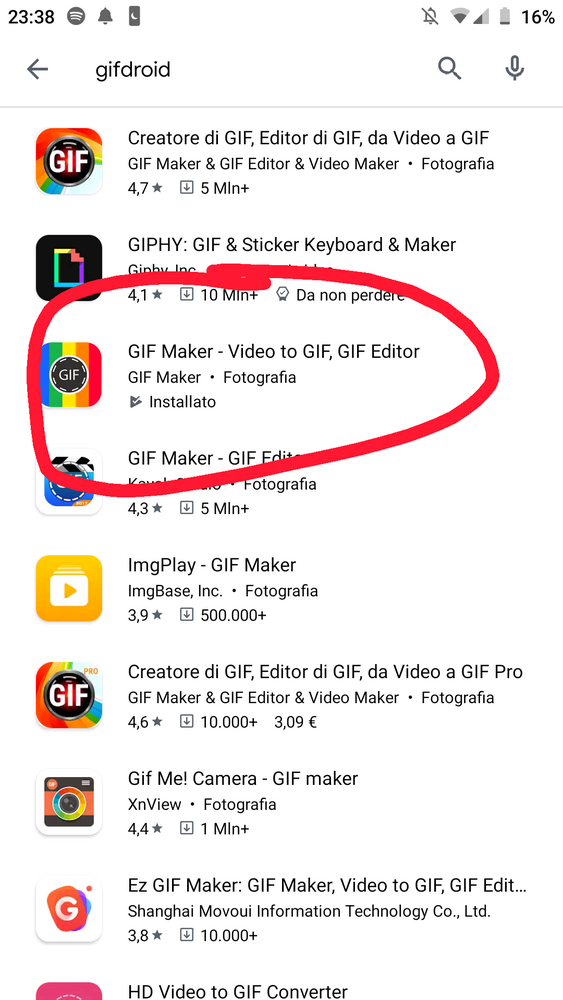
3-Go on google playstore and search "gifdroid", the application you need to install is this one
4- Once you get to the app you have a lot of options

You have to choose "Pictures --> gif"
5-Then select the images: first the not morphed one and then the morphed one.
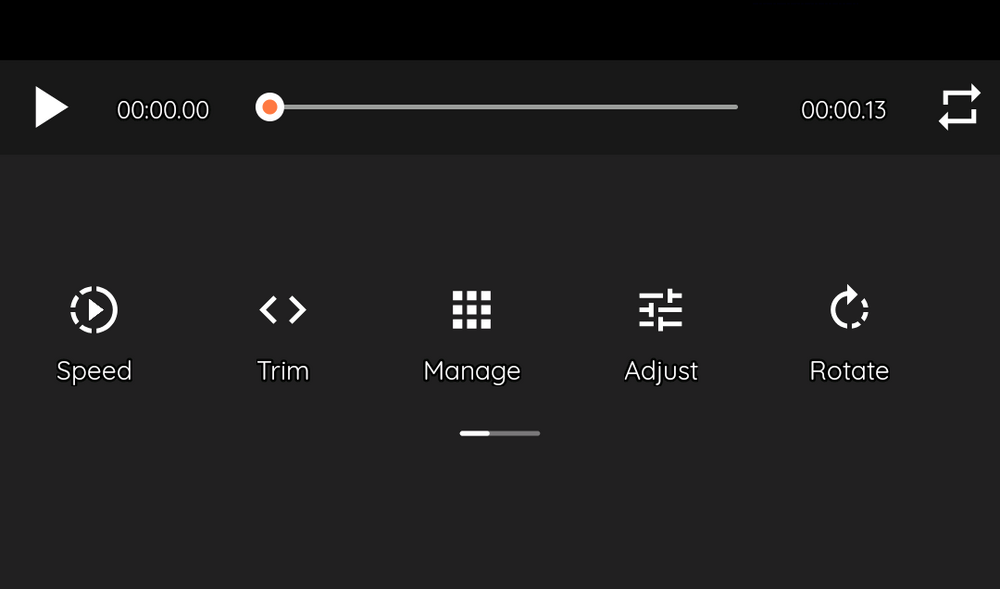
6- Then you're gonna stumble upon this screen in which you have to click "speed"
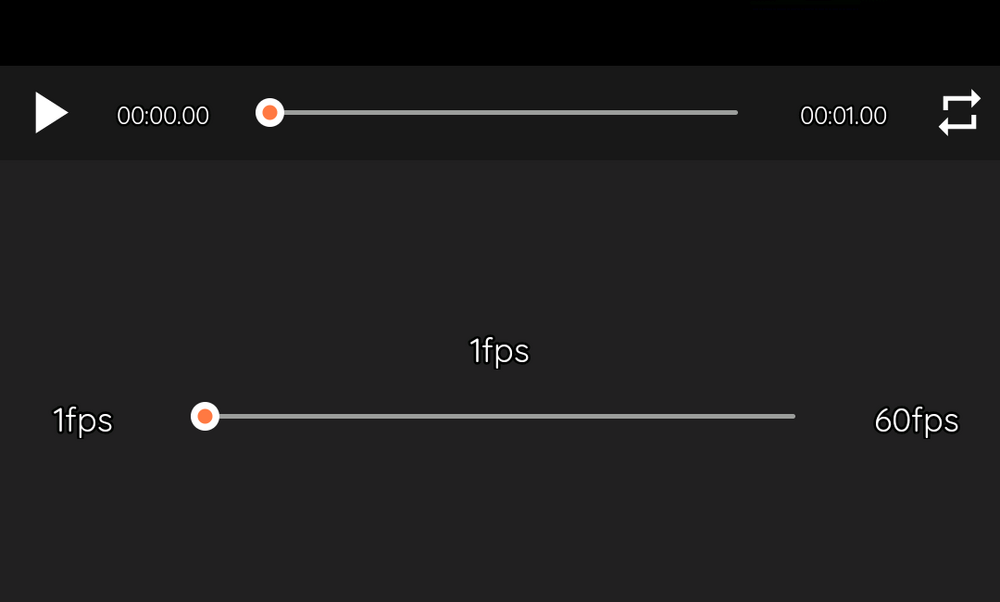
7-Choose the lowest options and save it
1-You need your normal pic and your morphed one
2-Crop them with any editing app (LightShot, Pixlr etc...) and make them equally positioned on the screen
3-Go on google playstore and search "gifdroid", the application you need to install is this one
4- Once you get to the app you have a lot of options
You have to choose "Pictures --> gif"
5-Then select the images: first the not morphed one and then the morphed one.
6- Then you're gonna stumble upon this screen in which you have to click "speed"
7-Choose the lowest options and save it
Last edited: